

 LinkedIn

Weak sales do not automatically call for more ChatGPT Ads budget. I used to give clients a version of that advice. I was wrong. If you run an online store and already pay an agency to manage sponsored cards below ChatGPT answers, ask it to test these seven gaps between the ad’s promise and a completed purchase before you approve another increase. More traffic just buys more exposure to the same problems.
1. Send shoppers to the product the ad promises
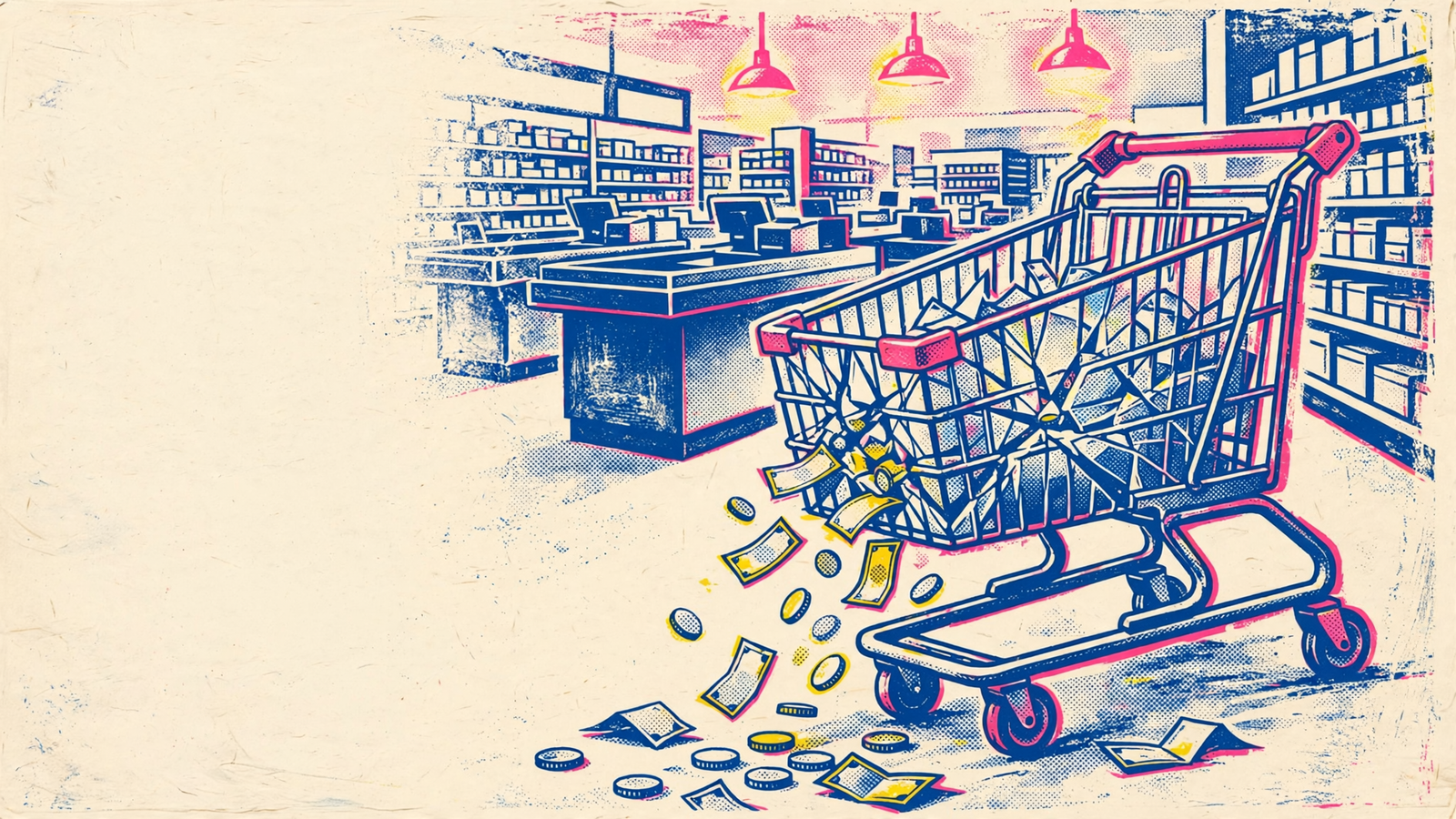
A shopper clicks expecting the product, size or use case mentioned in the answer. Send that shopper to your homepage instead, and you have made them search again. That mismatch can lose the sale before your page has had three seconds to make its case. Store-owner threads describe the familiar pattern: visits arrive, but few turn into add-to-carts. Paying for another round of those visits will not repair the destination.
The message-match data puts dedicated matched pages at 5 to 15% conversion on paid traffic, versus 1 to 3% for homepages, and reports a 15 to 30% lift in controlled tests when the ad headline closely matches the page’s H1. The mechanism is less mysterious than the numbers: people can immediately see the thing they came for.
Start with an ad-to-URL inventory. Ask your agency to put every active ad beside its final URL and the product or collection the conversation promised. Flag homepage sends, generic category pages and links that miss the advertised variant. Replace each with the closest matching destination, then judge the change on purchases rather than landing-page clicks. Make the click and the destination tell the same story.
Before treating a weak purchase rate as proof that the page failed, confirm what traffic you bought. ChatGPT Ads reach logged-in adults on Free and Go plans, while Plus, Business, Enterprise and Edu accounts see no ads; matching follows the conversation topic rather than a Meta-style profile according to this overview of the ad format. Have the agency show click origins and starting bids against the published $3 to $5 CPC guidance and $25 daily minimum. You need that context to read the test, not another slide about impressions.
2. Put the buying answer above the sales pitch
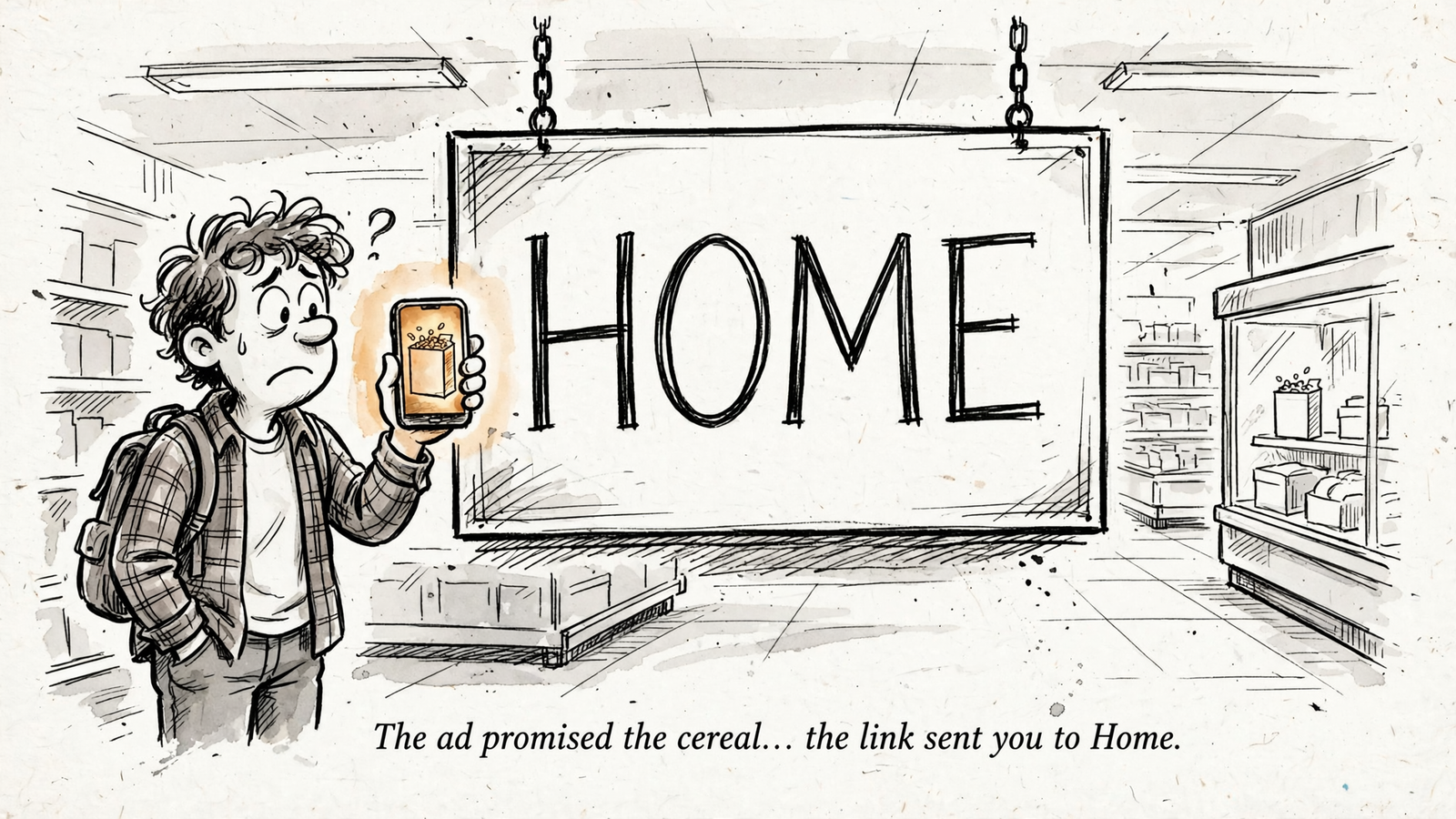
A shopper arriving from a ChatGPT answer usually has something specific to settle: Will this fit? Does it work with what I own? How soon can I get it? A brand story and three lifestyle banners do not answer any of those questions. The click may have felt like a recommendation, but the product page still has to earn the purchase.
In Baymard’s 2026 benchmark of more than 155 leading stores, 52% of desktop and 62% of mobile product pages rated mediocre or worse, with buying facts buried or missing. That gives your agency a concrete page problem to test instead of a reason to order a redesign.
Pick your top ChatGPT feed product. Put its compatibility, sizing, specifications or use-case answer in the first screen, alongside real photos of the product doing its job. Run that single variant for two weeks. Compare add-to-cart rate and purchase conversion, not time on page. If the proposed first step is to rewrite the entire template, push back. One page, one buying answer, one test.
3. Stop promoting products you cannot ship
A product card is useless when the item is out of stock, the clicked variant is missing or the destination is dead. It is worse than useless when you keep paying for the click. For campaigns run through Tools then Feeds, feed items expire after two weeks and need ongoing updates. Product data is not a file you upload once and forget.
Ask your agency for a weekly feed-health check showing disapprovals, price mismatches, expired items and products still marked ads-eligible when they should be paused. Then agree in writing who acts when stock hits zero or a destination breaks: the store owner updating the feed, the agency pausing the promotion, or both. A report that identifies the problem without naming the person who stops the spend is decoration.
The first step is a current list of promoted products matched against live availability and working URLs. Do not buy a click for an item the shopper cannot purchase.
4. Show delivery costs and timing before checkout
A shopper who has reached the buy button should not have to start checkout to learn whether delivery changes the deal. Across 48 studies, average cart abandonment sits at around 70%, with 39% of shoppers abandoning over unexpected shipping fees. Extra costs are a leading reason people leave, yet 67% of leading sites give no total-cost estimate near the buy button.
The mechanism is straightforward: the page presents one apparent price, then checkout presents another. Conversational traffic makes that especially jarring. The shopper clicked expecting a straight answer; hiding delivery until the last step turns the answer into a negotiation.
Ask your agency to audit where shipping cost, the free-shipping threshold and the delivery estimate appear on the destination page, not just in checkout. Where your store software allows it, put a location estimate or threshold beside the buy button. Compare mature purchase conversion before and after the change. Do not let anyone claim victory from one week of data; give the result time to settle. Tell shoppers what delivery means before asking them to commit.
5. Make returns and product evidence easy to inspect
A ChatGPT answer can bring a shopper to your store. It cannot settle what happens if the product disappoints. People still look for the return terms, the guarantee and evidence that the product does what the page says.
The same Baymard benchmark found that 44% of product pages do not show or link a return policy, while 60% of shoppers look for returns there. It also found that 15% had abandoned a purchase in the previous quarter over an unsatisfactory policy. Doubt without a visible answer becomes a back button.
Tell your agency to put the actual return window, who pays return shipping and one piece of genuine product evidence within a scroll of the buy button. That evidence might be real reviews, real photos or a real spec sheet. Skip invented urgency timers and claims the product cannot support. Then measure qualified purchases, not clicks on the policy link. If clearer terms reduce support tickets while purchase rate holds steady or improves, that is a useful result. Make the safety net visible, and make it true.
6. Complete the mobile purchase journey yourself
Mobile drives 78% of retail visits but converts at 1.8%, versus 3.9% on desktop. The same figures put one-second sites at roughly three times the conversion rate of five-second sites; each extra second cuts conversions by about 7%, and 53% of mobile users abandon pages that take more than three seconds to load. Those numbers give you a reason to inspect the journey, not an excuse to blame every lost order on speed.
I still buy from my own clients’ stores on my phone before I touch a bid. A bidding model cannot fix a variant picker that takes three taps or an Apple Pay button buried below a slow-loading image carousel. Nor can it explain an error message that appears only after someone has entered shipping details.
Do the test this week on a real phone: open your top ChatGPT landing page, pick a variant, add it to the cart, enter shipping, pay and wait for confirmation. Note load time, sticky buy-button behaviour, error messages and the first point where delivery cost appears. Give each problem to the person who controls that part of the storefront. Your ads agency can flag it and document it in a mobile checkout checklist, but it cannot rewrite your Shopify theme from an ads dashboard. If nobody owns the storefront fix, you have an ownership problem, not a traffic problem.
7. Prove that ‘purchase’ means one real purchase
If your store already reconciles ad purchases to Shopify orders every week, you can skip the repair and keep doing that check. For everyone else, this is where I would start tomorrow, even though it appears last on this list. Bad tracking makes every page test harder to judge and smart bidding harder to trust.
GA4 deduplicates purchases only when the same transaction_id comes from the same user on the same web stream. A double install, such as the Google and YouTube app alongside a GTM pixel, can send #1042 and 1042 as different purchases. On ChatGPT Ads, the setup has its own failure points: the OpenAI Pixel and Conversions API need a shared event ID to deduplicate browser and server copies; order_created should fire only after a confirmed order; and the click reference oppref must survive redirects in the measurement setup. Miss one, and the reported ROAS may not describe the orders your store received.

Ask for a one-order proof before discussing scale. Place a test order, watch it in DebugView, check the Transaction ID dimension in Explore and reconcile the ad platform’s purchase count with store orders for the same period. If one checkout produces two reported purchases, repair the IDs, remove the duplicate tag and keep oppref intact. One real purchase means one transaction ID, one confirmed order, one count.
That proof should sit inside a seven-row action brief, not disappear into a meeting. Email your agency the seven items below and ask for an owner, proposed change, budget exposed while the work runs and review point for each. Say you spend $20k a month if you need a concrete budget for the discussion. Make them reply in writing.
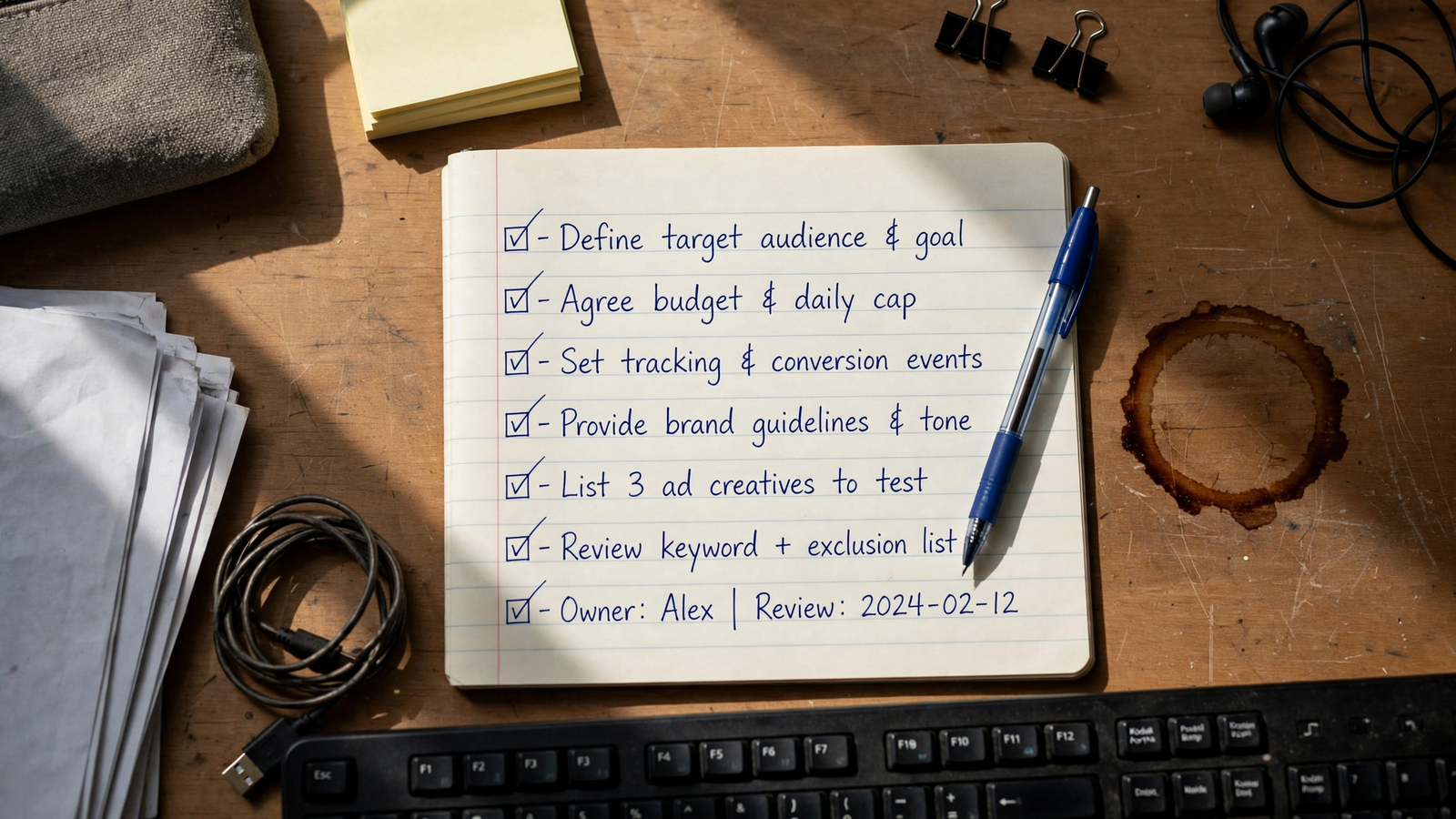
- Destination match: Agency owns homepage replacements; review the 14-day purchase rate against the ChatGPT spend exposed until the links are fixed.
- Buying answer: Agency and store developer own one product-page test; review add-to-cart rate against that product’s budget.
- Stock and variants: Store and agency agree a pause rule and sign off on feed health weekly; aim for zero paid clicks to unavailable products.
- Delivery: Store developer puts the estimate or threshold near the buy button; review mature purchase conversion across the affected journey.
- Returns and evidence: Agency copy and store policy owners put genuine proof and terms on the page; review qualified purchases.
- Mobile journey: Storefront owner fixes the failures found in the phone test; review mobile purchase rate.
- Purchase definition: Agency tracking owner provides the one-order DebugView proof and reconciles reported revenue to store orders.
If they cannot say who owns each fix or when they will review it, you do not have management. You have a dashboard subscription with a logo on it. What the deck calls synergy, I call two people doing the same job while the feed expires and the pixel double-fires. This brief gives each problem one owner and a purchase-based test. It is a fair way to find out what your agency actually manages in a ChatGPT Ads account.
If your agency calls the brief scope creep, look at what its retainer rewards. Most ChatGPT retainers still charge for hours or a cut of spend, leaving post-click work labelled extra. Search Ads at groas runs Google, Bing and ChatGPT for a $1,499 flat monthly fee, unchanged at any spend, with bids, keywords and budgets worked around the clock and a landing page for every ad group. Storefront rebuilds remain with whoever controls the store, but tracking repair and landing-page work sit inside the service; accounts go live within 24 hours of the onboarding call. That distinction drives this ranking of ChatGPT Ads options for online stores by who owns the sale: the party responsible for the click should also be responsible for counting the purchase correctly.
I would start with No. 7 because clean purchase data tells you whether the other six fixes are working or merely look good in a report. I have watched stores raise budgets on double-counted purchases, then cut pages that were never broken. Get one test order, one transaction ID and one reconciled week of store orders. Then test destination match. Fix the count, fix the landing, and only then talk about spending more.


