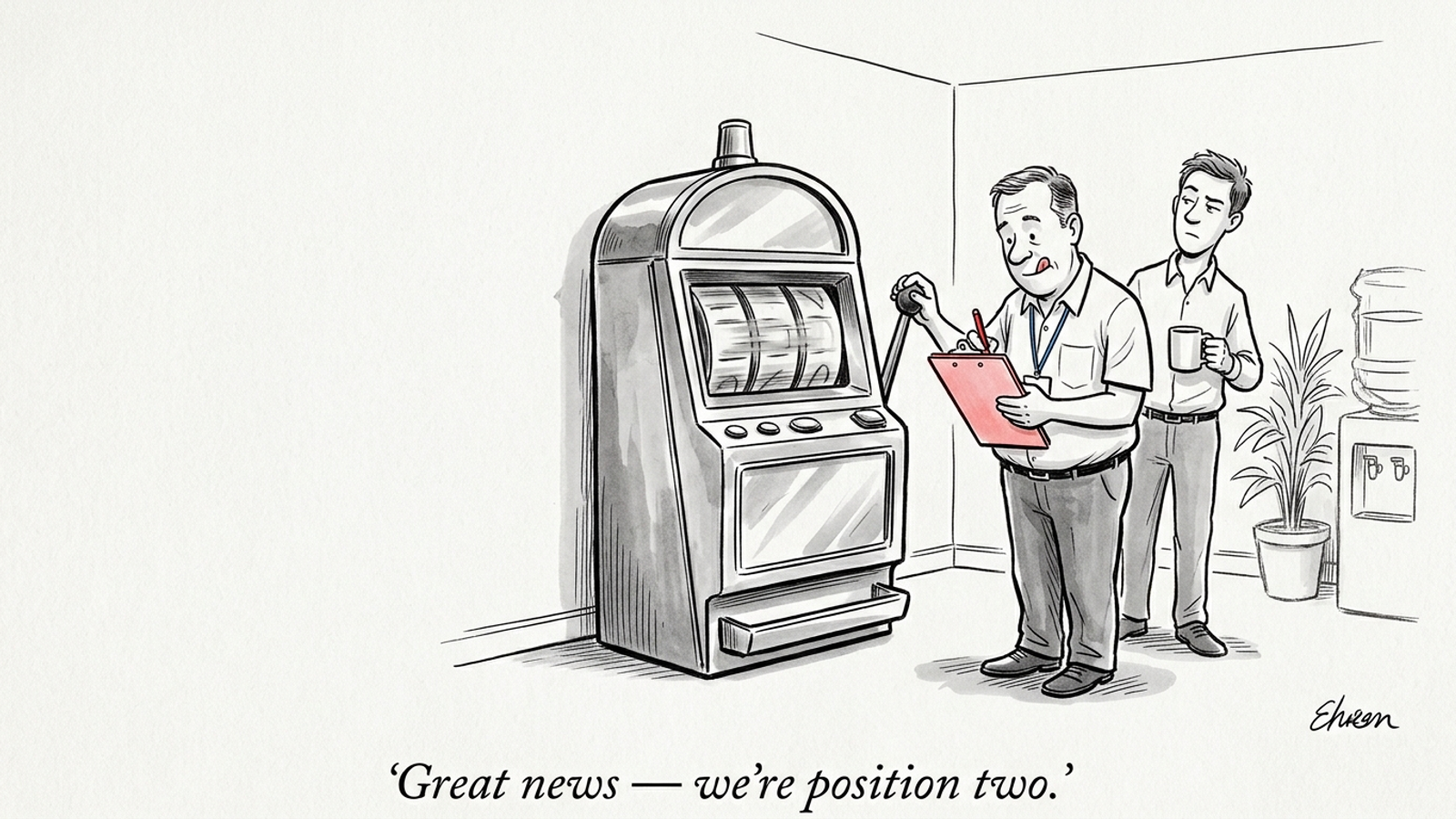

One person. Two hours every Tuesday for 30 days. Zero dollars for new software. That is enough to find the buyer prompts where your business is missing and start fixing the pages that should answer them.
It is not enough time to become a full-time AI visibility analyst, which is useful: the constraint rules out buying a dashboard before you have an execution habit. Entry-level monitoring tools such as Otterly.ai start at $29 a month for 15 prompts; Profound lists multi-engine tracking at $399 or more per month. Neither subscription edits a page for you. For a small business, I would start with the habit I learned from paid search: mine the queries, inspect the results, and make a fix.
1. Week 1: Spend two hours finding 20 buyer prompts
Cost: your first 120-minute block. You get: a list of 20 questions worth testing. Cut: vanity searches and broad educational topics.
Monitoring without a fix queue is a 1am negative-keyword session in Google Ads where you nod at the wasted search terms and close the laptop without adding a single negative. I have done enough search-terms-report work to know that collecting the terms is the easy part. Deciding which ones deserve action is the job.
Treat buyer prompts the same way. A request for the best commercial HVAC contractor for a multi-unit facility with emergency dispatch is a commercial query written as a conversation. You need to know what the buyer is trying to establish, whether your business meets those criteria, and which page makes that clear. You do not need to track every possible way someone might ask.
Start with three places you already have access to:
- Sales conversations: Pull the comparison questions and objections that come up before a buyer signs.
- Support tickets or inbox threads: Note questions about service limits, turnaround, integrations, pricing, and who your offer fits.
- Google Search Console: Look for question-shaped queries where your site gets impressions but few clicks. An interrogative filter such as
^(who|what|where|when|why|how|which|is|are|can|best)\bcan help surface them; this Search Console regex walkthrough shows the approach.
Search Console will not hand you a ready-made AI prompt list. Use its queries as clues, then write each prompt the way a buyer would ask it. If you need examples to get moving, use this list of 60 AI search prompts worth tracking, but keep the final selection tied to your customers.
Group the 20 prompts into three buckets:
- Direct alternatives: “Who competes with [INCUMBENT] for mid-sized warehouse lighting?”
- Constraint-based qualification: “Best payroll provider for 15-person companies with remote contractors in Europe.”
- Commercial evaluation and pricing: “How much does enterprise penetration testing cost for SOC 2 compliance?”
The buckets tell you what a missing mention might mean. If competitors appear whenever buyers specify company size or response times, your problem may be less about general awareness than about pages that never state those details plainly.
Do not add what is [YOUR_BRAND] just to see your name appear. Do not fill the list with what is bookkeeping if you sell bookkeeping services. If you have 25 candidates, cut the five with the weakest purchase intent. The list is a work queue, not a vanity dashboard.
2. Week 2: Spend two hours testing the prompts by hand
Cost: one 120-minute testing block. You get: a baseline of mentions, citations, competitors, and source URLs. Cut: ranking charts and a tracking subscription.
Open fresh sessions for ChatGPT, Perplexity, Gemini, and Google Search, checking AI Overviews where they appear. Avoid accounts with personalized memory or chat history influencing the response. Run your 20 prompts across the four surfaces and record what you see. Work briskly; if an Overview does not appear, mark it unavailable rather than trying to coax one out of Google for ten minutes.
Do not build a league table from the order of brands in one answer. Generative responses can change when the same prompt is run again. The research summarized in this AI visibility methodology guide illustrates why a single screenshot is a poor measure of position. For a repeatable testing routine, use our framework for measuring AI search visibility without trusting one screenshot.

Log four things for each engine and prompt, following the basic shape of manual AI tracking protocols:
- Mentioned: Did the answer name your business? Record 1 or 0.
- Cited: Did a citation or outbound link point to your domain? Record 1 or 0.
- Competitor recommended: Which rival did the answer suggest?
- Source URL: Which visible pages supported the answer? Copy the URL, not your interpretation of it.
A mention and a citation are different. A model can name you without linking to you; it can also cite a page while recommending somebody else. Keep those fields separate. Where no source is shown, leave the URL blank. Do not guess what the model read.
By the end of the block, you have a snapshot, not a permanent score. That is enough to identify prompts where buyers hear about a competitor but not you. The next move is to inspect the evidence behind those answers, not buy more precise-looking charts.
3. Week 3: Spend two hours reading the pages behind the answers
Cost: one 120-minute investigation block. You get: a shortlist of page changes you can actually make. Cut: a tour of competitor homepages and a sitewide rewrite.
Take the prompts where your business is absent and a competitor appears. Start with the visible citations, especially in Perplexity and AI Overviews. Read the pages supplying facts to the answer. The cited source may be a competitor’s service page, a comparison page, or an industry directory. Each calls for a different response, which is why staring at the rival’s homepage rarely helps.
For each losing prompt, write down:
- What the buyer asked for: A price, a capability, a response window, an integration, or a comparison?
- What the cited page says clearly: Find the line, table, or section that answers that requirement.
- What your corresponding page says: Is the same fact present, buried, vague, or absent?
- What you can substantiate: Do you have a real answer you can publish, rather than a claim you wish were true?
That fourth question prevents a bad fix. If your competitor publishes a response time and you cannot promise one, do not invent an SLA to fill a table. Choose a prompt your offer genuinely answers, or make the limits of your offer clear. The goal is not to sound like the page that won. It is to give a buyer a more useful account of what you sell.
A local-business audit of 500 companies found that strong Google Maps placement did not reliably translate into recommendations from ChatGPT or Perplexity. I would not assume your existing search presence does this job for you. Check the answer and its sources.
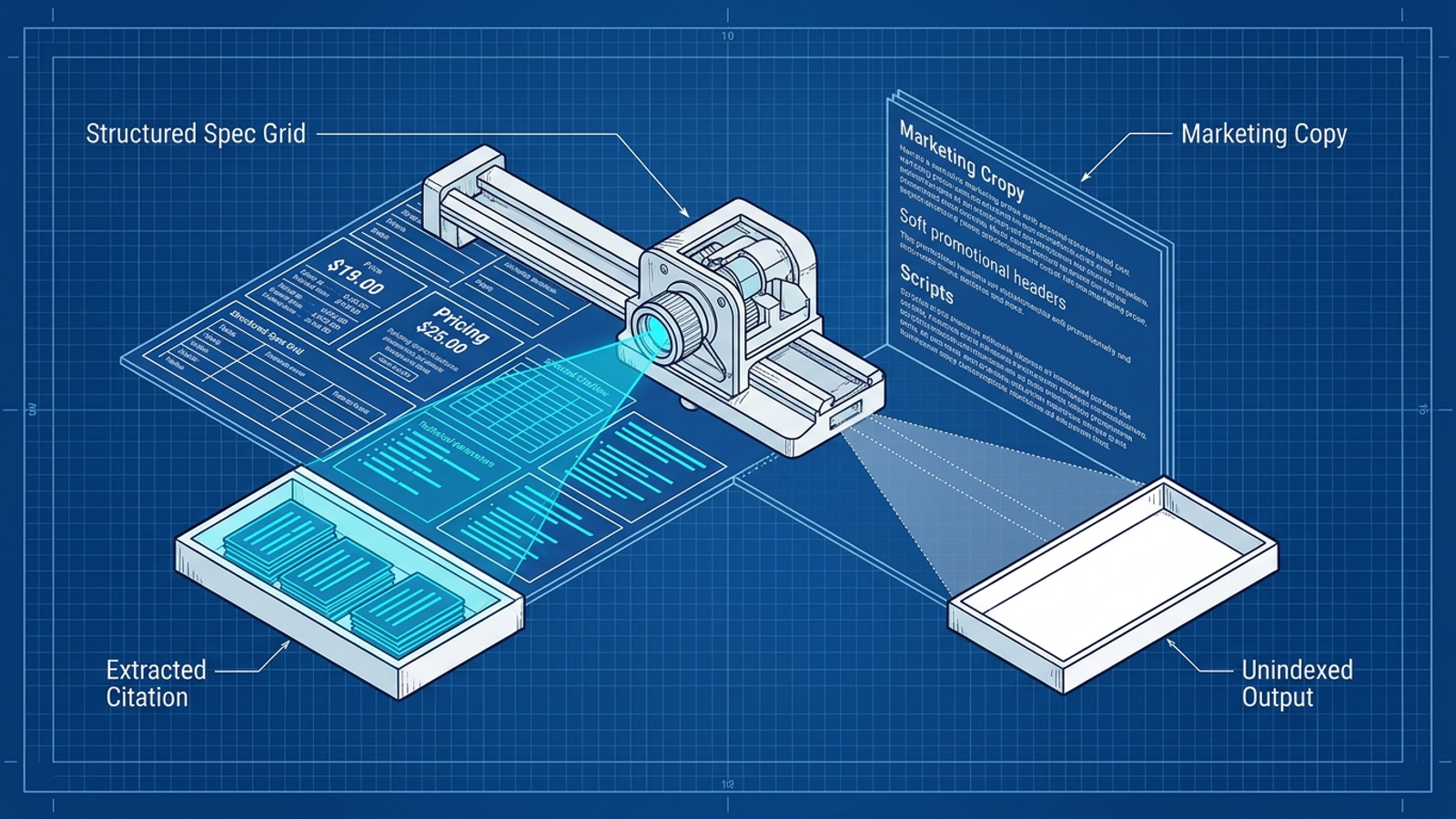
Rank your possible fixes by purchase intent and feasibility. A prompt that repeatedly asks about an integration your business supports is a better target than a broad “best provider” query if your integration page barely mentions it. This is the shift from counting appearances to identifying the buyer prompts you lose.
Leave Week 3 with one URL and one buyer question written at the top of your notes. If you cannot name the page you will edit, you have not finished the audit.
4. Week 4: Spend two hours fixing one page
Cost: one 120-minute editing block. You get: a clearer page aimed at a commercial question. Cut: a new 2,000-word article, sitewide title-tag tinkering, and claims you cannot back up.
Open the existing URL you chose in Week 3. Put a direct answer near the top, under a heading that reflects the buyer’s question. Then supply the details that make that answer useful: relevant constraints, available pricing information, turnaround times, or a clear description of who the service fits. Use a table when readers need to compare several concrete options. Keep the rest of the page coherent; do not bolt a pricing block onto a page that says something different farther down.
There is a reason to favor specific, supportable details over repeated keywords. Generative Engine Optimization research presented at KDD 2024 examined techniques including quotations, statistics, and source citations, while keyword stuffing did not show the same value. You do not need to manufacture a statistic or paste in an expert quote. You need to make the facts you already have easier to find and understand.
Publish the edit and note the date in your sheet. Re-run the affected prompts in a later weekly block; indexing and answers may not change immediately. A better page does not force an engine to cite you. It does, however, give the buyer a clearer answer even when they reach you by ordinary search, and it gives you a specific change to assess instead of another month of watching alerts.
Swipe file: copy the prompt, log, and page block
These templates fit the same four-week plan; they are not a second project. Copy only what you will use, replace every bracketed placeholder with a real detail, and keep the tracking sheet small enough to revisit.
When to use it: In Week 1, turn sales questions into candidate prompts.
1. Who are the top [SERVICE_CATEGORY] providers for [CUSTOMER_SIZE_OR_TYPE]?
2. Best [SERVICE_CATEGORY] that integrates with [PRIMARY_SOFTWARE_TOOL]?
3. What is the cost of [SERVICE_NAME] for [COMPANY_STAGE]?
4. [YOUR_BRAND] vs [PRIMARY_COMPETITOR]: which fits [SPECIFIC_USE_CASE]?
5. Who offers emergency [SERVICE_NAME] with [REQUIRED_RESPONSE_WINDOW]?
The adjustment that matters: Replace generic categories with the operational constraints buyers actually mention to you.
When to use it: In Week 2, record the baseline and later checks.
| Prompt | Intent bucket | ChatGPT mention/cite | Perplexity mention/cite | Gemini mention/cite | AI Overview mention/cite | Competitor | Source URL |
| :--- | :--- | :--- | :--- | :--- | :--- | :--- | :--- |
| [PROMPT_01] | Alternative | 0/0 | 0/0 | 1/0 | N/A | [COMPETITOR_A] | [SOURCE_URL] |
| [PROMPT_02] | Constraint | 1/1 | 0/0 | 0/0 | 1/1 | [COMPETITOR_B] | [SOURCE_URL] |
The adjustment that matters: Use 1 or 0 for each observed mention and citation, and N/A when no answer is available. Do not turn answer order into a ranking score.
When to use it: In Week 4, rewrite the section of the chosen page that should answer the prompt.
## How Much Does [SERVICE_NAME] Cost for [TARGET_AUDIENCE]?

For [TARGET_AUDIENCE], [SERVICE_NAME] costs [PUBLISHABLE_PRICE_OR_PRICING_EXPLANATION]. The amount depends on [VARIABLE_1] and [VARIABLE_2]. [STATE_WHAT_IS_INCLUDED_AND_ANY_RELEVANT_LIMIT].

| Option | Price or pricing basis | Turnaround | Best suited for |
| :--- | :--- | :--- | :--- |
| [OPTION_1] | [REAL_PRICE_OR_BASIS] | [REAL_TIMEFRAME] | [USE_CASE_1] |
| [OPTION_2] | [REAL_PRICE_OR_BASIS] | [REAL_TIMEFRAME] | [USE_CASE_2] |
The adjustment that matters: Publish only prices, limits, and timeframes you can stand behind. If you cannot publish a fixed price, explain how you price the work rather than inventing a range.
The artefact I rate most useful is the answer-first page block. The prompt list finds a problem and the sheet records it; the page edit is the part a buyer can use.
When the two-hour constraint lifts
For 20 high-intent prompts, this manual routine keeps the work attached to an editor who can change the site. Keep it going after day 30: review the prompts, choose the next page, make the fix, and re-test earlier edits. One page per week is a cadence, not a promise that every answer will change on Friday.
The constraint stops helping when your catalog, service territories, or query volume outrun one person’s Tuesday morning. Testing 80 prompts across four engines is 320 checks before you have inspected a source or improved a page. I would not hire someone to spend all week pasting prompts into tabs, and I would not buy a monitoring dashboard whose alerts still leave the fixes sitting in a queue.
That is where groas fits: a fully autonomous growth engine for paid and organic search, with specialized models doing ongoing execution and a human strategist setting direction and guardrails. Until your volume calls for that kind of system, keep the smaller one. Protect the two hours, read the buyer prompts, and fix the next page.
Frequently asked questions
Do I need to pay for an AI visibility monitoring tool to find out where my business is missing in AI answers?
No. One person spending two hours a week for 30 days can find the buyer prompts where the business is missing by mining sales conversations, support tickets, and Search Console, then testing prompts by hand. The article notes that monitoring subscriptions do not edit pages for you, so an execution habit should come first.
Where do I get a list of buyer prompts to test in AI search tools?
Pull comparison questions and objections from sales conversations, note questions about limits, turnaround, and pricing from support tickets or inboxes, and look in Google Search Console for question-shaped queries with impressions but few clicks. Write each prompt the way a buyer would ask it, and cut the weakest purchase-intent candidates until 20 remain.
What kinds of buyer prompts should I group my tracking list into?
Three buckets: direct alternatives (who competes with an incumbent for a specific use case), constraint-based qualification (best provider for a defined company size or requirement), and commercial evaluation and pricing (how much something costs for a specific compliance or business need). The buckets help you interpret what a missing mention means, such as pages that never state certain details plainly.
How do I manually test whether AI answers mention my business?
Open fresh sessions in ChatGPT, Perplexity, Gemini, and Google Search, avoiding accounts with personalized memory or chat history, and run each prompt across all four surfaces. For each result, record whether your business was mentioned (1 or 0), whether a citation pointed to your domain, which competitor was recommended, and the source URL, leaving it blank when none is shown.
Can I rank brands by the order they appear in one AI answer?
No. Generative responses can change when the same prompt is run again, so a single screenshot is a poor measure of position. The article advises recording what you observe as a snapshot—not a permanent score—and not building a league table from the order of brands in one answer.
What should I do after testing shows a competitor getting recommended instead of my business?
Read the pages cited behind those answers, especially in Perplexity and AI Overviews. For each losing prompt, note what the buyer asked for, what the cited page says clearly, what your corresponding page says, and what you can substantiate. Then rank fixes by purchase intent and feasibility, leaving with one URL and one buyer question to edit.
How should I change a page so it can answer a commercial buyer question?
Open the existing URL and put a direct answer near the top under a heading that reflects the buyer's question, then add relevant constraints, available pricing information, turnaround times, or a clear description of who the service fits. Use a table when readers compare options, and publish only prices and limits you can stand behind.
When is the manual two-hour AI visibility routine no longer enough?
The constraint stops helping when your catalog, service territories, or query volume outrun one person's weekly block. Testing 80 prompts across four engines means 320 checks before you have inspected a source or improved a page. Until that point, the article recommends keeping the smaller habit of fixing one page per week.