LinkedIn
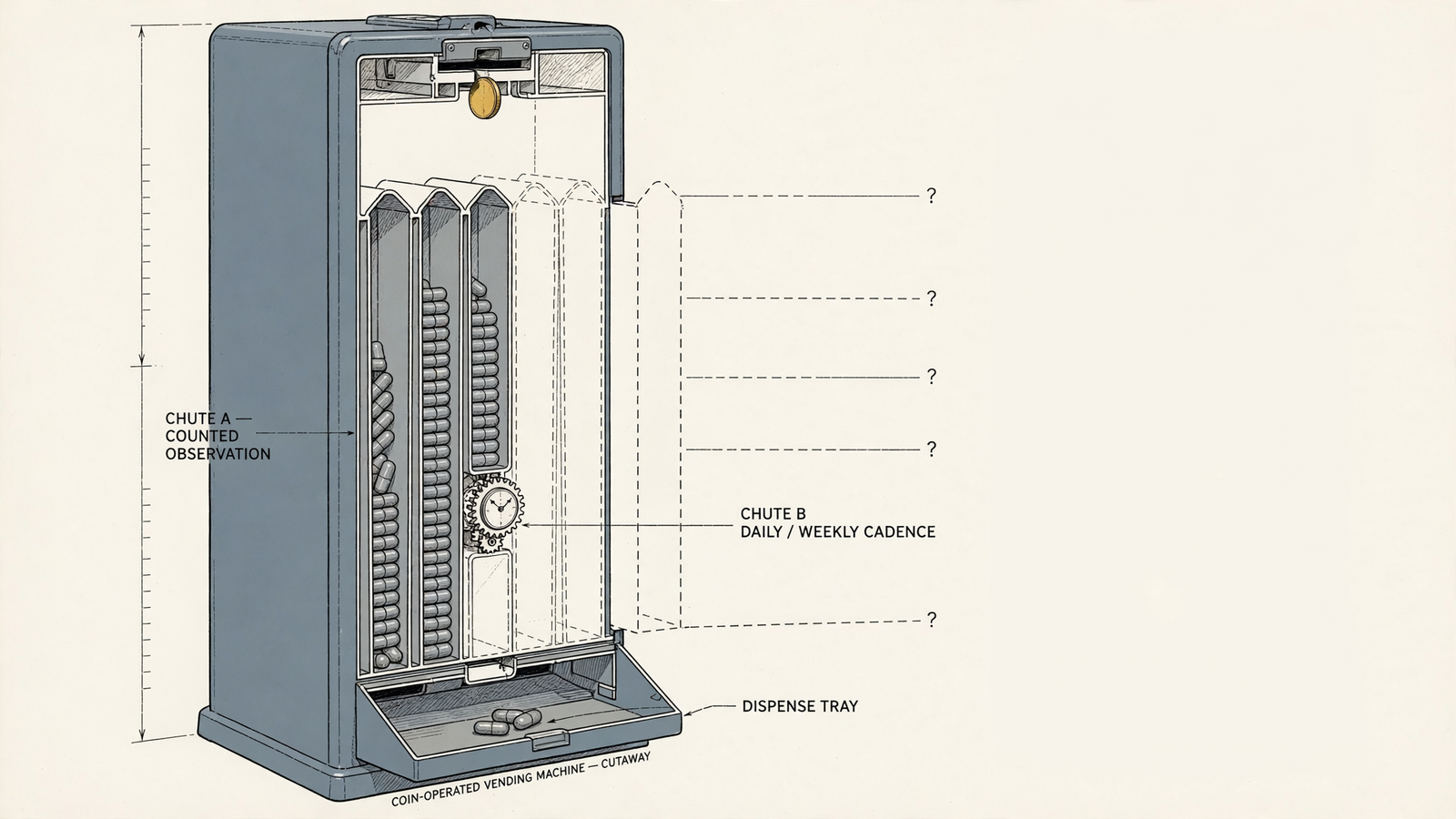
$19 buys the connection. $159 buys the example test, if you already have ChatGPT access that can make campaign changes and photos you can use in ads. That’s $19 for groas Unlimited and $140 paid to Meta, using $20 a day for seven days as a planning allowance. If you need six new studio photos, the example comes to $393 to $459 before extras. Neither total includes a ChatGPT upgrade or the time you spend reviewing the campaign.
That’s the distinction I want on the invoice, not buried in the demo. Through groas, ChatGPT can read your account, draft a campaign, and make approved changes when your plan and workspace allow it. But a connection isn’t a media budget. Meta itself says there’s no additional charge from Meta to connect, your AI tool’s subscription terms still apply, and you pay Meta separately for the ads. When a vendor gives you one price, ask which of those bills it covers.
| Line item | What to budget | When it costs you | Source or basis |
|---|---|---|---|
| 1. Connection | $19 a month for the whole team | Recurring, fixed | groas Unlimited |
| 2. ChatGPT access | $0 extra if your current plan and workspace allow campaign changes; otherwise, price the upgrade | Recurring, varies by plan | OpenAI pricing and MCP permissions |
| 3. Creative | No new photography bill if you can reuse your photos; roughly $234 to $300 for six new studio shots before extras | One-off, if you need a shoot | soona at $39 per product photo; Squareshot from $50 per image |
| 4. Meta ad spend | $140 in this example, paid to Meta | Cash for this test | Illustrative allowance: $20 a day × seven days, not a Meta quote |
| 5. Approval and monitoring | Review hours × your hourly rate | Time, not another cash charge | Your estimate of how much review the draft and launch will need |
Lines 1 and 2: Price the connection, then check what ChatGPT can do
groas is $19 a month, flat, for a whole team. That includes unlimited teammates, ad accounts, and websites, plus every feature and all the data. Agencies pay the same for every client. The connection isn’t priced by seat or account, so adding a teammate to review the launch doesn’t change that line. You connect your ad accounts and website once, then add groas to ChatGPT through MCP, the standard assistants use to connect to tools.
I used to tell clients setup was the hard part. I was wrong. The groas setup instructions put it at about a minute, with no code: add a custom MCP server in ChatGPT, paste the groas link, select OAuth, and sign in. The part worth slowing down for is whether your ChatGPT plan will let you do what you’re about to pay to prepare.
OpenAI’s pricing page lists Free at $0, Go at $8 a month, Plus at $20, and Pro from $100. Those are subscription prices, not a menu of plans that can launch your campaign. OpenAI’s MCP documentation distinguishes full MCP access for Business and Enterprise/Edu from the read and fetch permissions it describes for Pro. You can pay for a plan that reads your Meta account just fine and still can’t create the campaign you budgeted for.
If the option to add a custom MCP server doesn’t appear, look at the plan and workspace permissions before blaming the connection. If it does appear, keep checking: seeing the connector isn’t proof you can write to the account. Put $0 on the assistant line only if the access you already pay for supports the actions you need. Check that before you buy the connection or book the shoot. A permissions error with a launch date attached is still a permissions error.
Line 3: Six ad concepts aren’t six finished ads
I’d start with one prompt:
Read our brand and offer. Draft one Meta campaign and six image-ad concepts. Do not publish anything.
That gives the assistant an offer to work from and makes clear where the work should stop. What comes back is copy and concepts. It’s not photography. If you already own usable product photos, the new cash cost for creative can be close to $0. If you don’t, count the shots you need and price them before you approve the concepts.
- Basic product shots: soona lists $39 per product photo. Squareshot starts at $50 per image. At those rates, six shots land at roughly $234 to $300 before any separate studio fees, models, or usage rights.
- On-model and lifestyle work: Squareshot lists on-model images from $95. Lifestyle work can run $100 and up. The shot list matters more than the number of concepts in the chat.
- Freelance production: A U.S. freelancer through Snappr runs $89 to $169 for the first hour. If you’re pricing a larger shoot, check what the quote covers: models, styling, hair and makeup, and the rights to run the images as ads.

An hourly quote, a per-image price, and a credit pack don’t buy the same thing. I want to know what file I get, whether I can run it as a paid ad, and which customer the copy is meant to reach. A picture and a caption don’t answer all three. Neither does a vendor telling me the tool makes creative free. Ask whether creative means the concept, the file, or the rights to use the file.
The $19 already covers the account data and research, including competitor ads and the funnels behind them. Don’t pay twice for research you already have, and don’t mistake it for production. It doesn’t shoot your product. Before you approve the draft, mark the concepts you can build with photos you own today. The rest need a production decision, not another prompt.
Line 4: $140 goes to Meta, not to the tools
$20 a day for seven days is a $140 planning allowance. I’m not calling that a recommended minimum, a hard cap, or the amount you need to learn whether Meta can sell your product. Meta’s pricing guidance says to start with at least $5 a day and give the system at least seven days to learn. It doesn’t give you a fixed cost per click or per lead. The objective and audience are part of what determines that cost.
A click test and a purchase test can run on the same budget and tell you very different things. Clicks can tell you whether the ad gets people to the destination. A campaign optimizing for purchases or leads may still be learning when you run out of test money. That doesn’t make the connection a failure. It means you need to decide what you expect the spend to tell you before you compare it with the results.
The other trap is the word daily. Meta can treat a daily budget as an average over its Sunday-to-Saturday week, not a hard limit for each day. Under the standard daily-budget rule, a $20 budget can mean up to $35 on a single day, with a $140 limit for that budget week. That week isn’t necessarily the seven days you picked for your campaign. Ad set budget sharing can also affect what an individual ad set spends, so check whether it’s on instead of assuming each ad set will stick to its own daily figure.
If $140 is a ceiling, not just a planning number, use a lifetime budget. Daily delivery can still fluctuate, but Meta says it stays within the lifetime budget you set. Check the settings in Ads Manager before launch and write the budget type next to the dollar amount. If the only thing you’ve written is “$20 a day,” you haven’t finished pricing the test.
Line 5: Put approval and monitoring on the bill
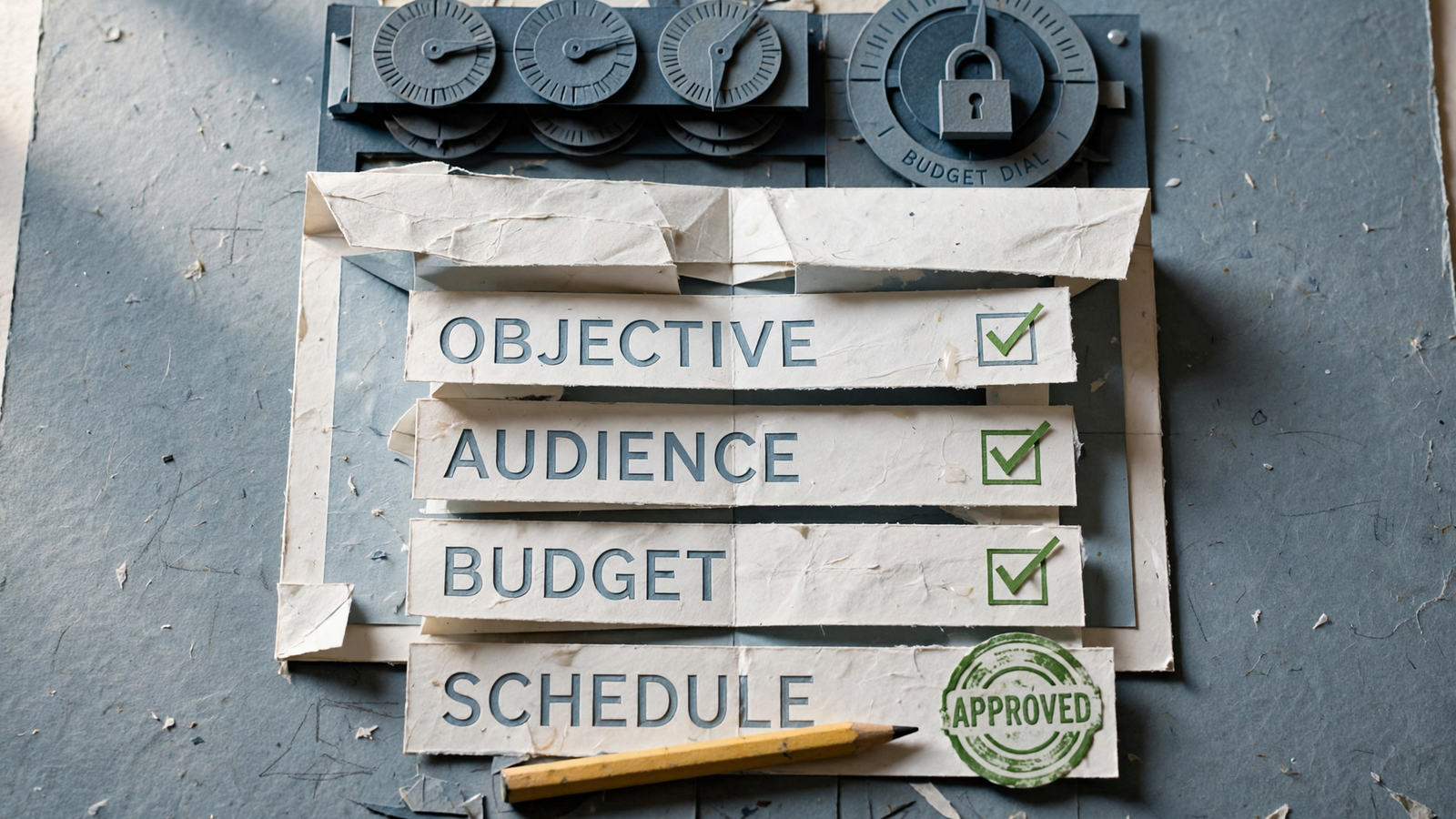
Do not approve a campaign you can’t inspect. I ask ChatGPT to put the whole draft in one place and make no change until I approve it. Here’s what I want to see:
- The campaign objective and destination URL.
- The audience and the customer the ad is meant to reach.
- Each finished ad, not just the concept behind it.
- The budget, where it’s set, and the launch schedule.
I check the budget at both the campaign and ad set levels. I also check that the ad I’m approving is the one in the account, not an ID the assistant pulled from the wrong screenshot. Meta says campaigns created through its own ads MCP server start as drafts and require review and approval before going live. I still want the approval step explicit in the workflow I’m using. For a first launch, I keep new creative and budget increases manual and leave autopilot off unless I’ve deliberately decided what rules it should follow.
Time is the line nobody puts on the invoice. I’d allow about an hour to approve a good draft and inspect the changes after launch, or three hours if the draft needs work. At an illustrative $50 an hour, that’s $50 to $150 in review time. Use your own rate; the point is to count the hours, not borrow mine. If the audience and offer still need sorting out when the draft reaches you, the bill comes due in evenings instead of dollars.
The first-month total: Keep cash and time separate
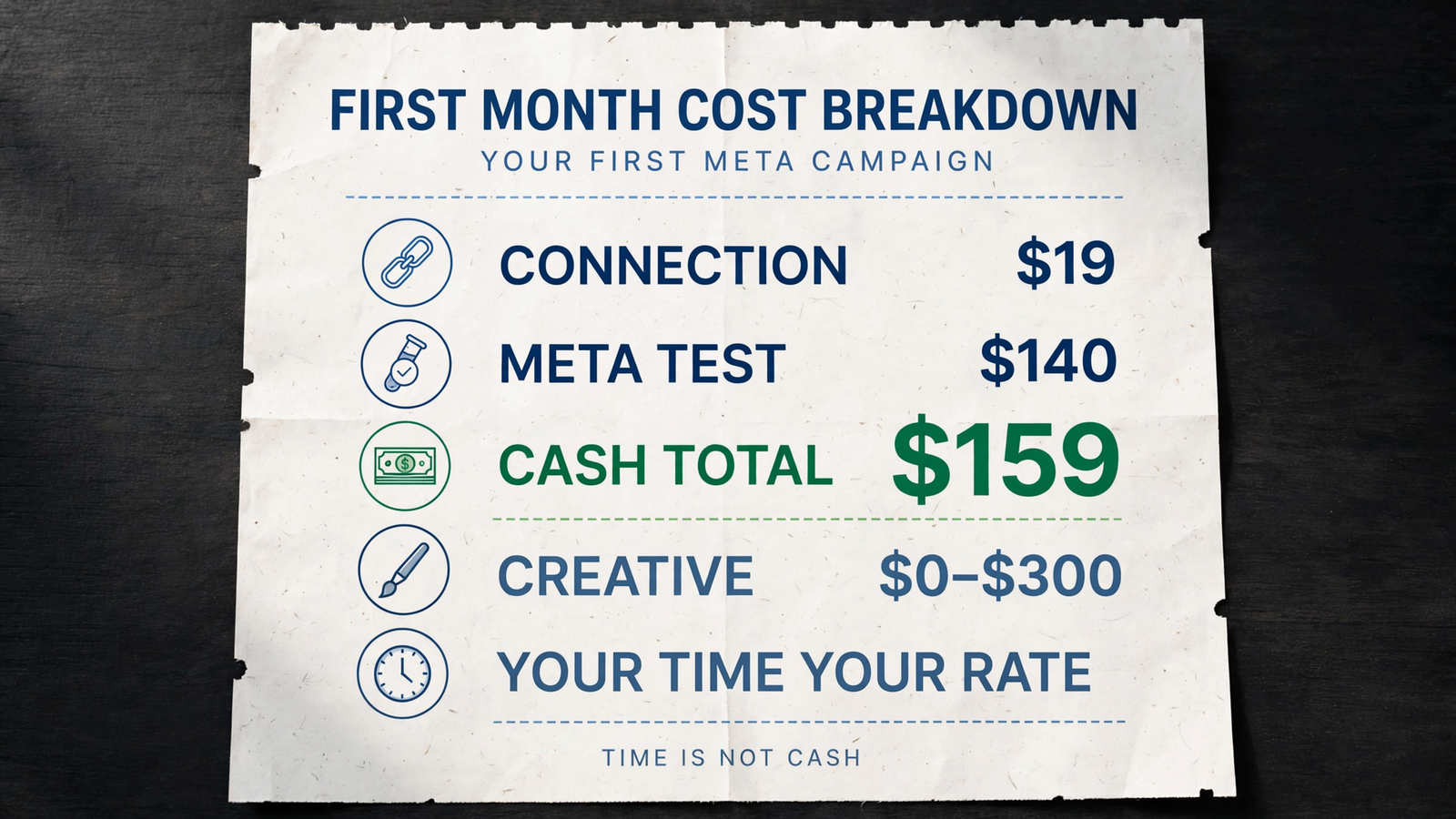
My cash formula is $19 + any extra ChatGPT cost + any new production cost + actual Meta spend. Use it before you get attached to a launch date:
- Existing ChatGPT access and usable photos: $19 + $0 + $0 + $140 = $159.
- Six new studio shots at the rates above: $393 to $459, before any separate studio fees, models, or usage rights.
- A ChatGPT upgrade: Add whatever the eligible plan costs you above what you already pay. It’s a recurring bill, not a seven-day campaign expense.
Keep review hours × your hourly rate in a separate column. The connection and assistant are monthly overhead; photography is a separate purchase when you need it; ad spend belongs to the test. You can reuse the formula without pretending you’ll need another shoot or another subscription every time you launch.
After launch: Read the log before you change the budget
I check the action log and the reason for each change against what I approved. Meta lists an activity log for its ads MCP server, mirroring the campaign history in Ads Manager. groas logs each change with its reason and lets you undo it in one step where Meta allows it. That’s useful for a setting. It’s not a refund. Undoing a budget change doesn’t undo ad spend that’s already been delivered. That’s why I’d rather find the wrong budget in the draft than in the log.
If you want to price the test against your actual offer, photos, and ChatGPT plan, apply for a free trial and bring the checklist. We’ll go line by line before a dollar goes to Meta.
The cheapest mistake is writing down $19 and calling it the campaign budget. You can fix that in the spreadsheet before it costs you anything. The most expensive mistake is buying a shoot and raising the budget to compensate for a brief that never said who the ad was for. Write the bill before you write the prompt, approve the draft before money moves, and check the log after. The connection was never the expensive part. The campaign is. Budget for it like one.